DESCRIPTION:
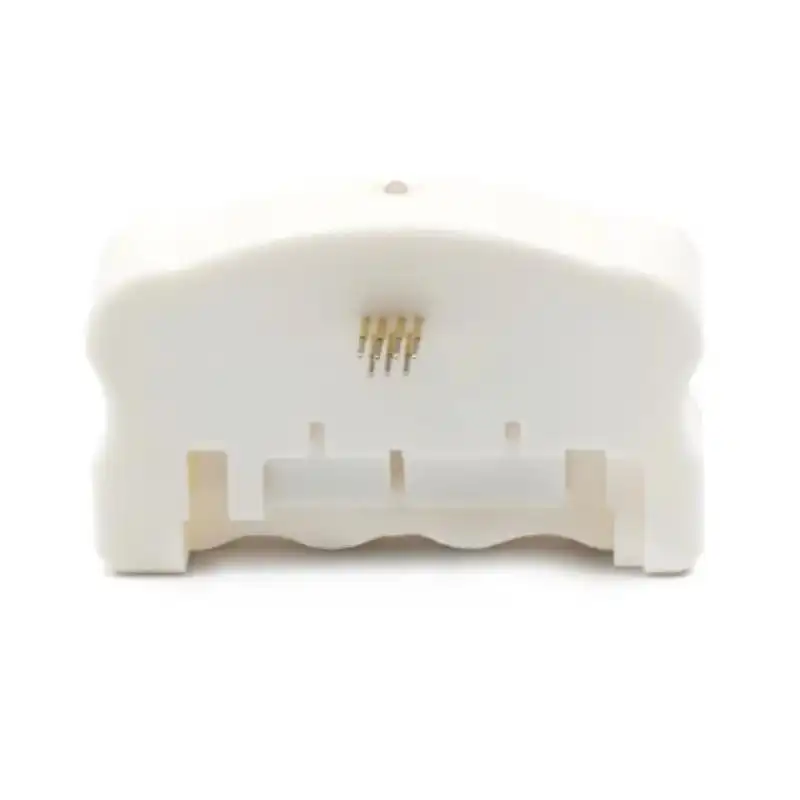
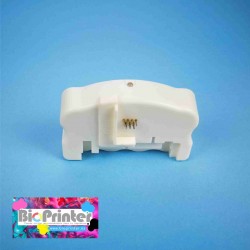
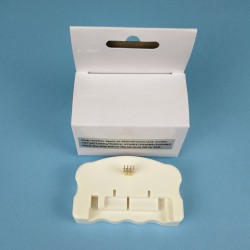
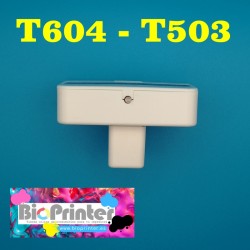
Chip resetter for EPSON maintenance boxes of the C9345.
Reset its counter so that when you reinstall the maintenance tank in the printer, it will detect it as new at 0% capacity. Keep in mind that 0% is new and 100% is a full tank and a blocked printer. (NOTE: The reset can be done as long as the chip is not damaged)
When the printer indicates that the pads are full, you must remove the box and clean or change the felts inside. Later with this resetter, reset the chip counter so that the printer can continue printing.
This resetter does NOT have a limit of uses and has an internal battery so it does not need external power.
HOW TO USE:
Step 1: Make the resetter pins firmly contact the maintenance tank chip.
Step 2: The indicator light flashes red for a few seconds and then turns green.
Step 3: You can separate the resetter from the chip. The chip reset was successful.
CONTENT:
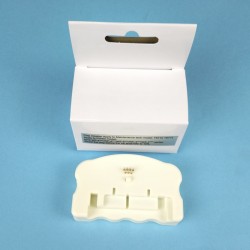
1 x RESETTER FOR EPSON MAINTENANCE BOX C9345
VALID FOR THESE PRINTER MODELS:
ECOTANK ET-5800 / ET-5850 / ET-5880 / ET-8500 / ET-8550 / ET-16600 / ET-M16600 / ET-16150 / ET-16650 / ET-M16680
WORKFORCE WF-7310DTW / Pro WF-7820DTWF / WF-7830DTWF / WF-7840DTWF / WF-7845DTWF
ST-C8000 L15150 L15160 L15158 L15168